
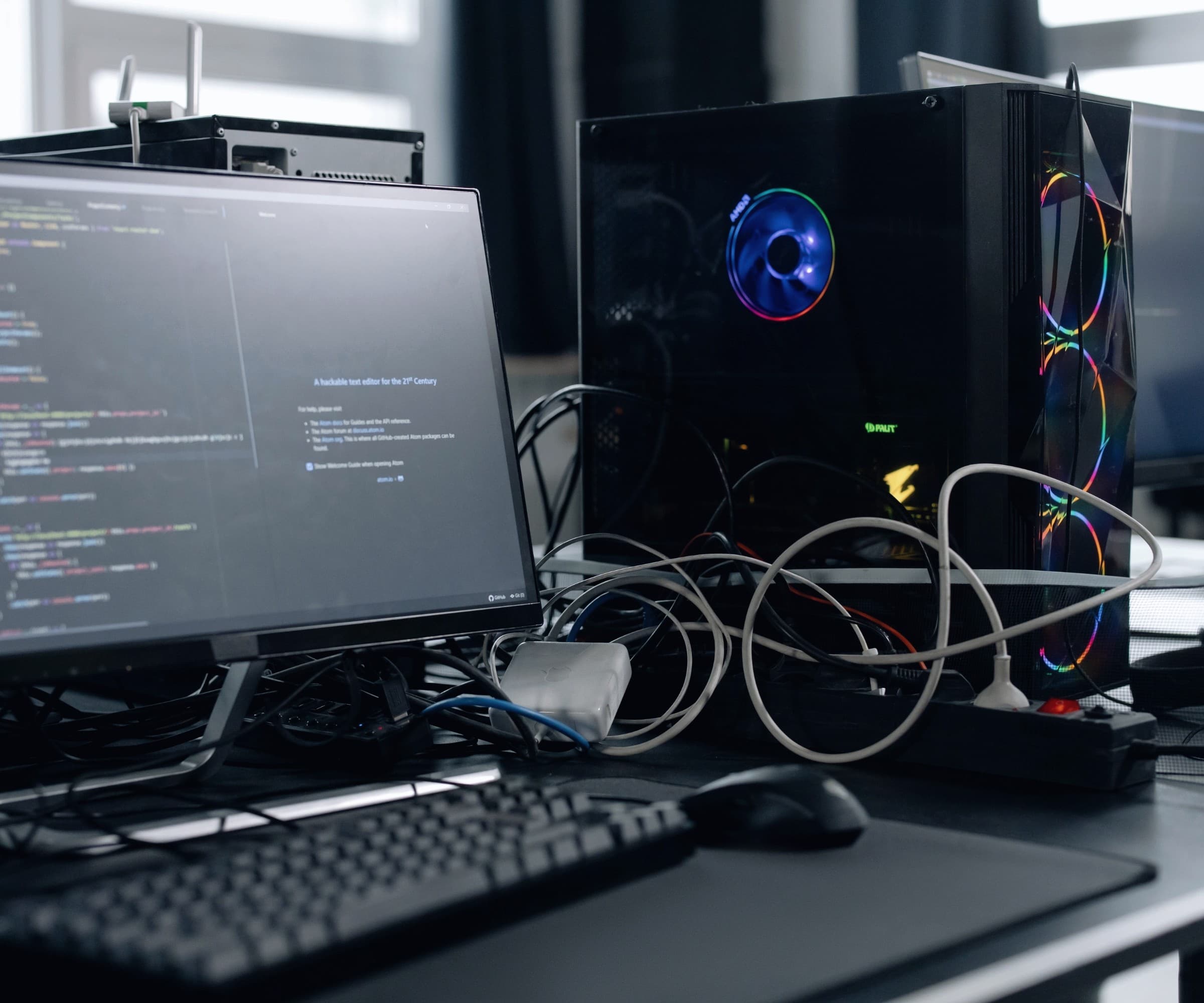
Every laptop, desktop, and mobile device is a door into your network - and an unmanaged one is a door left open. ALINEDS manages and secures endpoints for government and regulated organizations across their whole lifecycle: deployment, configuration, patching, hardening, and monitoring, using tools like Microsoft Intune. We keep devices current, compliant, and locked down so a lost laptop or missed patch doesn’t become a breach - and so your users get working, secure devices without the manual effort of managing each one by hand.
Why it matters
Unpatched, unmanaged endpoints are one of the most common ways attackers get in - and for a distributed public workforce, the fleet is only getting harder to see. A device that's behind on patches, misconfigured, or unaccounted for is a standing risk. Managing endpoints centrally - patched, hardened, compliant, and visible - closes that gap at the scale a modern agency actually operates.
What you get
Device lifecycle management
We handle endpoints from deployment and configuration through refresh and retirement, centrally and consistently.
Patch management
We keep operating systems and software patched on schedule, closing the vulnerabilities attackers rely on.
Configuration & hardening
We enforce secure baselines and compliance policies so every device meets a known-good standard.
Endpoint security
We deploy and manage endpoint protection so threats on a device are detected, contained, and reported - turning each endpoint from a blind spot into a monitored, defended part of your estate.
Compliance enforcement
We use device-compliance policies (e.g., via Intune) so only healthy, compliant devices reach your systems.
Mobile & remote devices
We manage laptops, desktops, and mobile devices across office and remote users.
How it works
Enroll
Bring devices under central management and inventory.
Configure & harden
Apply secure baselines, policies, and protection.
Patch & maintain
Keep devices current and compliant on an ongoing basis.
Monitor & respond
Watch device health and respond to issues and threats.
Where it fits
Standing up endpoint management
Bring an unmanaged or partially managed fleet under central control.
Patch and vulnerability closure
Get a fleet current and keep it that way.
Secure remote / mobile workforce
Manage and secure devices beyond the office network.
Device compliance for access
Require healthy, compliant devices before they reach sensitive systems.
Key distinctions
Managed endpoints vs. unmanaged devices
| Aspect | Managed endpoints | Unmanaged devices |
|---|---|---|
| Patching | On schedule | Ad hoc or missed |
| Configuration | Hardened baseline | Inconsistent |
| Visibility | Inventoried & monitored | Unknown |
| Lost/stolen device | Locked / wiped remotely | Open exposure |
| Compliance | Enforced | Unverifiable |
Compliance & security
Devices that meet the standard
Endpoints are managed to NIST 800-53 and NIST CSF 2.0 with hardened baselines, patching, and device-compliance enforcement - plus HIPAA, FERPA, or CJIS-aware configuration where devices touch sensitive data. Only healthy, compliant devices reach your systems.
- NIST 800-53
- NIST CSF 2.0
- GovRAMP
- HIPAA
- FERPA
- CJIS
Key terms
- Endpoint
- Any device - laptop, desktop, phone - that connects to your network and can be a target.
- MDM / endpoint management
- Centrally managing devices' configuration, security, and updates (e.g., Microsoft Intune).
- Patch management
- Keeping systems updated to close known security vulnerabilities.
Frequently asked
What is endpoint management?
Centrally managing devices - laptops, desktops, phones - including their configuration, security, patching, and compliance, so the whole fleet stays current and locked down.
What tools do you use?
We manage endpoints with tools like Microsoft Intune, fitting your Microsoft environment and device mix.
Why does patching matter so much?
Unpatched software is one of the most common ways attackers get in. Scheduled patch management closes those known vulnerabilities before they're exploited.
Can you manage remote and mobile devices?
Yes. We manage devices across office, remote, and mobile users, enforcing the same security standards everywhere.
What happens if a device is lost or stolen?
Managed devices can be locked or wiped remotely, so a lost laptop doesn't become a data breach.
What is device compliance?
Policies that check a device is healthy - patched, encrypted, configured - before it's allowed to reach your systems. We enforce it.
How is this different from just having antivirus?
Antivirus is one layer. Endpoint management covers the whole device - configuration, patching, hardening, compliance, and protection - as a managed standard.
How do you handle a mix of Windows, Mac, and mobile devices?
We manage a mixed fleet - Windows, macOS, iOS, and Android - under consistent policies, so every device type meets the same security and compliance standard.